Maytag Dryer Error Code F29
Moisture sensor failure — auto-dry not working
The most common cause of the F29 error on a Maytag dryer is softener residue on sensor bars (~50% of cases); start with: clean the sensor bars.
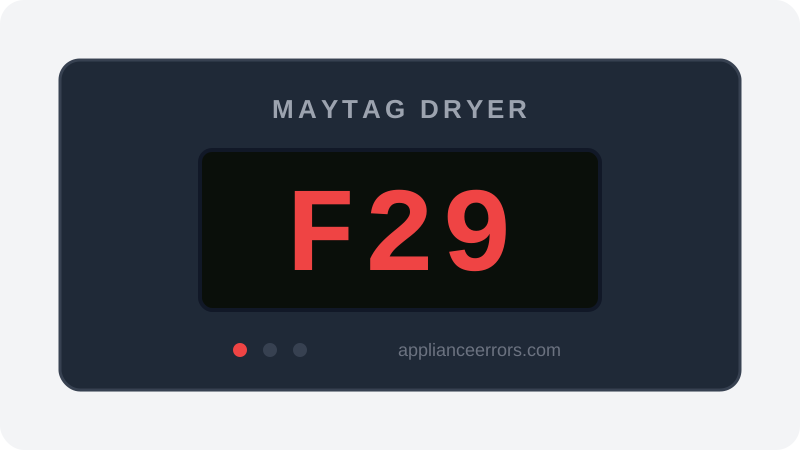
What Does Error Code F29 Mean on a Maytag Dryer?
Moisture sensor failure — auto-dry not working.
The control board reads resistance across two metal moisture sensor strips inside the drum; as wet clothes tumble across them, the changing conductivity tells the board how dry the load is. F29 fires when those readings stay implausible or stuck — usually because fabric-softener or dryer-sheet film insulates the bars, so the board never sees the expected signal. Unlike F30 (a related sensor circuit fault), F29 points specifically to an unusable moisture reading that leaves auto-dry unable to end the cycle correctly.
What Causes Error Code F29?
Here are the most common causes in order of frequency. Start with the most likely cause before moving to the next:
- 1 Softener residue on sensor bars 50% of cases
- 2 Moisture sensor wiring fault 30% of cases
- 3 Control board sensor input fault 20% of cases
How to Fix Maytag Dryer Error Code F29
- 1
Clean the sensor bars
Wipe the metal moisture sensor strips inside the drum with a little rubbing alcohol.
- 2
Use timed dry as a workaround
Auto-dry depends on the sensor; timed dry bypasses it.
- 3
Check sensor wiring / replace sensor
If cleaning does not help, inspect the wiring or replace the sensor.
🔩 Maytag dryer moisture sensor ($20–$50)⚠️ Unplug before servicing.
How to Reset Error Code F29
Clean the moisture sensor bars and restart on auto-dry.
Note: If the error returns after resetting, the underlying issue has not been resolved. Work through the fix steps above.
Did this guide fix your appliance?
✓ Thanks — your feedback helps us improve this guide for the next person.
Thanks for letting us know. If the steps above didn't work, see when to call a professional.
What went wrong? (one tap helps us fix this guide)
✓ Noted — we'll use this to improve the guide.
When to Call a Professional
If cleaned and F29 persists, the moisture sensor or control board input has failed.
Related Error Codes
Same Code on Other Brands
Error code F29 appears on these other brands too. See every brand that shows F29 →

Find Replacement Parts
Use these links to find the exact replacement parts for your Maytag Dryer:
External links — ApplianceErrors.com is not affiliated with these retailers.
More Maytag Dryer Error Codes
Frequently Asked Questions
Can I keep using my Maytag Dryer when error F29 appears? +
What most commonly causes F29 on a Maytag Dryer? +
F29 keeps coming back after a reset — what should I check next? +
How much does it cost to fix Maytag Dryer error F29? +
Which Maytag Dryer models show error F29? +
Sources & References
- • Maytag Product Help — official manufacturer documentation
- • Our editorial & verification policy
Content verified against manufacturer service documentation. Last verified: July 19, 2026.