Samsung Dryer Error Code PS
Duct sensor blockage — vent/moisture sensor reading abnormal due to restricted exhaust
The most common cause of the PS error on a Samsung dryer is lint coating the duct sensor (~45% of cases); start with: clean the sensor and duct.
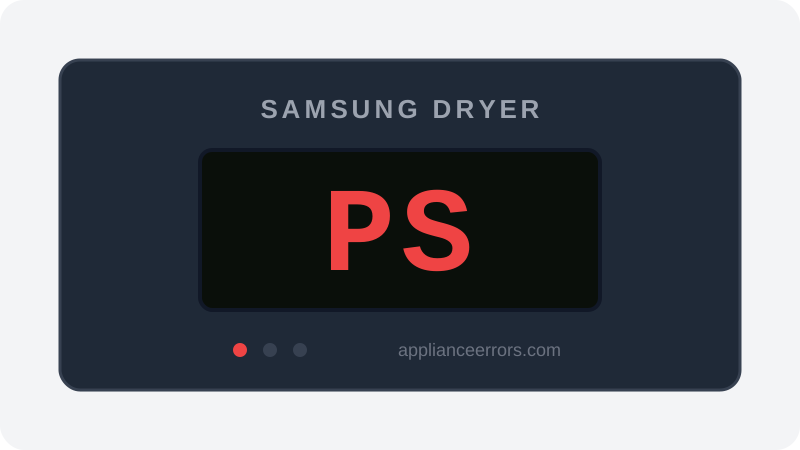
What Does Error Code PS Mean on a Samsung Dryer?
Duct sensor blockage — vent/moisture sensor reading abnormal due to restricted exhaust.
PS fires when the duct-mounted sensor reports readings outside its expected range during a cycle, which the control board interprets as restricted exhaust or a sensor-circuit fault. Lint film on the sensor face skews its readings first; a clogged vent run keeps moist air lingering past it; and a chafed or loose harness can mimic the same abnormal signal. Unlike cooling codes such as Clg, PS points specifically at airflow sensing rather than a completed or aborted cool-down phase.
What Causes Error Code PS?
Here are the most common causes in order of frequency. Start with the most likely cause before moving to the next:
- 1 Lint coating the duct sensor 45% of cases
- 2 Restricted exhaust duct 30% of cases
- 3 Sensor harness loose or chafed 15% of cases
- 4 Duct sensor failed 10% of cases
How to Fix Samsung Dryer Error Code PS
- 1
Clean the sensor and duct
Unplug the dryer, locate the sensor in the internal exhaust duct, and gently clean it along with the surrounding duct.
⚠️ Unplug the dryer before opening the cabinet. - 2
Clean the full vent run
Brush out the duct from the dryer to the exterior hood to eliminate the restriction triggering the sensor.
🔩 Dryer vent cleaning brush kit ($15–$30) - 3
Replace the duct sensor
If cleaning doesn't clear PS, test continuity and replace the sensor.
🔩 Samsung dryer duct/vent sensor ($15–$35)
How to Reset Error Code PS
After cleaning, unplug for 5 minutes and restart the dryer.
Note: If the error returns after resetting, the underlying issue has not been resolved. Work through the fix steps above.
Did this guide fix your appliance?
✓ Thanks — your feedback helps us improve this guide for the next person.
Thanks for letting us know. If the steps above didn't work, see when to call a professional.
What went wrong? (one tap helps us fix this guide)
✓ Noted — we'll use this to improve the guide.
When to Call a Professional
If PS returns after sensor cleaning and a full vent cleanout, have the sensor circuit and board tested.
Related Error Codes
Same Code on Other Brands
Error code PS appears on these other brands too. See every brand that shows PS →

Find Replacement Parts
Use these links to find the exact replacement parts for your Samsung Dryer:
External links — ApplianceErrors.com is not affiliated with these retailers.
More Samsung Dryer Error Codes
Frequently Asked Questions
Can I keep using my Samsung Dryer when error PS appears? +
What most commonly causes PS on a Samsung Dryer? +
PS keeps coming back after a reset — what should I check next? +
How much does it cost to fix Samsung Dryer error PS? +
Which Samsung Dryer models show error PS? +
Sources & References
- • Samsung Support — Error Codes — official manufacturer documentation
- • Our editorial & verification policy
Content verified against manufacturer service documentation. Last verified: July 19, 2026.