Samsung Dryer Error Code 9C1
Power supply error — abnormal/low line voltage
The most common cause of the 9C1 error on a Samsung dryer is extension cord or power strip in use (~40% of cases); start with: plug directly into the wall.
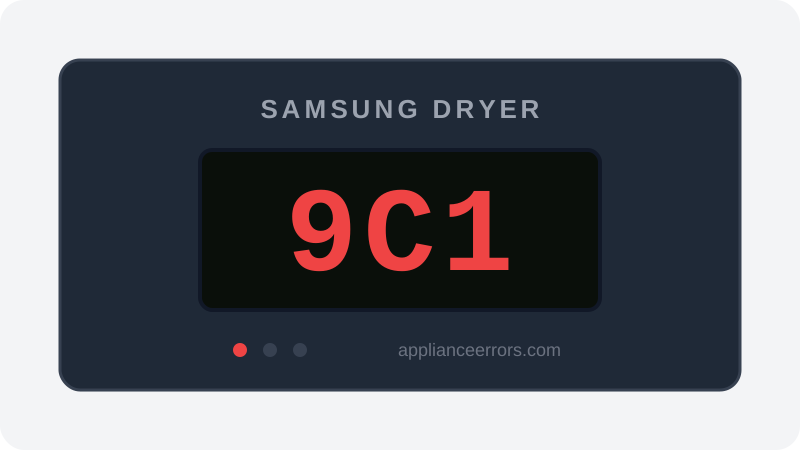
What Does Error Code 9C1 Mean on a Samsung Dryer?
Power supply error — abnormal/low line voltage.
The control board continuously monitors incoming line voltage and fires 9C1 when the reading falls outside its safe operating window, typically sagging low under the dryer's motor and heater load. Because voltage drop is worst under load, extension cords, power strips, shared circuits, or a loose outlet are the usual triggers rather than a true utility problem. This distinguishes it from 9E1, which flags a genuine over/under-voltage condition, and from control-side faults that persist even with confirmed steady voltage at the outlet.
What Causes Error Code 9C1?
Here are the most common causes in order of frequency. Start with the most likely cause before moving to the next:
- 1 Extension cord or power strip in use 40% of cases
- 2 Shared/overloaded circuit 25% of cases
- 3 Loose or worn outlet 20% of cases
- 4 Control board voltage-sensing fault 15% of cases
How to Fix Samsung Dryer Error Code 9C1
- 1
Plug directly into the wall
Remove any extension cord/power strip — the dryer needs a dedicated grounded outlet.
- 2
Check the circuit
Confirm the dryer is on its own circuit and the breaker isn't shared or undersized.
- 3
Verify outlet voltage
Have an electrician confirm steady voltage at the outlet under load.
How to Reset Error Code 9C1
Plug directly into a dedicated wall outlet (no extension cord/strip), then restart.
Note: If the error returns after resetting, the underlying issue has not been resolved. Work through the fix steps above.
Did this guide fix your appliance?
✓ Thanks — your feedback helps us improve this guide for the next person.
Thanks for letting us know. If the steps above didn't work, see when to call a professional.
What went wrong? (one tap helps us fix this guide)
✓ Noted — we'll use this to improve the guide.
When to Call a Professional
If outlet voltage is confirmed correct but 9C1 persists, the control board's voltage-sensing circuit has failed.
Related Error Codes
Find Replacement Parts
Use these links to find the exact replacement parts for your Samsung Dryer:
External links — ApplianceErrors.com is not affiliated with these retailers.
More Samsung Dryer Error Codes
Frequently Asked Questions
Can I keep using my Samsung Dryer when error 9C1 appears? +
What most commonly causes 9C1 on a Samsung Dryer? +
9C1 keeps coming back after a reset — what should I check next? +
How much does it cost to fix Samsung Dryer error 9C1? +
Which Samsung Dryer models show error 9C1? +
Sources & References
- • Samsung Support — Error Codes — official manufacturer documentation
- • Our editorial & verification policy
Content verified against manufacturer service documentation. Last verified: July 19, 2026.