Samsung Dryer Error Code OD
Vent blockage detected
The most common cause of the OD error on a Samsung dryer is lint-blocked exhaust duct (most common after 1+ years) (~60% of cases); start with: clean the lint filter.
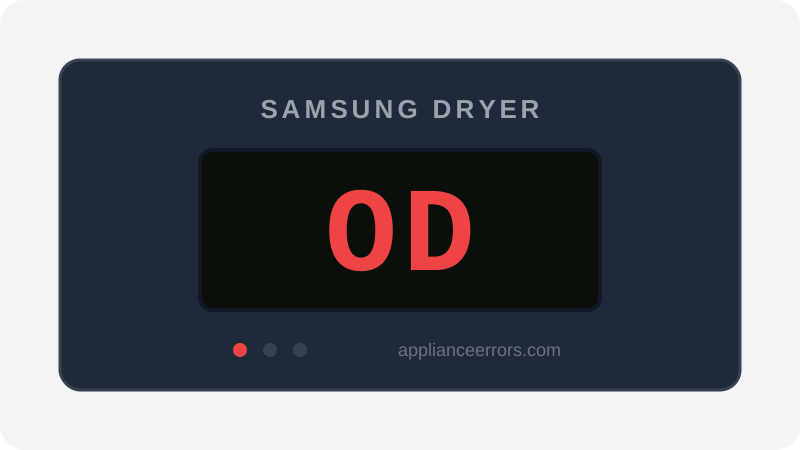
What Does Error Code OD Mean on a Samsung Dryer?
Vent blockage detected.
The dryer's internal sensors have detected restricted airflow through the exhaust duct. Continuing to run with a blocked vent is a fire hazard — the dryer will reduce heat or stop the cycle.
What Causes Error Code OD?
Here are the most common causes in order of frequency. Start with the most likely cause before moving to the next:
- 1 Lint-blocked exhaust duct (most common after 1+ years) 60% of cases
- 2 Kinked or crushed flexible duct behind the dryer 20% of cases
- 3 Bird or pest nest in exterior vent cap 10% of cases
- 4 Duct run is too long or has too many bends 10% of cases
How to Fix Samsung Dryer Error Code OD
- 1
Clean the lint filter
Remove and clean the lint screen. This should be done after every single drying cycle.
- 2
Disconnect and clean the vent duct
Pull the dryer out, disconnect the duct from the back, and blow through it. If you feel resistance, clean with a dryer vent brush kit.
🔩 Dryer vent brush kit ($15–$30) - 3
Check the exterior vent cap
Go outside and find where the dryer vents. Remove any debris, lint buildup, or animal nesting blocking the flap.
- 4
Inspect duct routing
Flexible foil or plastic ducts kink easily. Replace with rigid metal duct for runs longer than 4 feet. Maximum recommended run is 25 feet with fewer than two 90° turns.
🔩 Rigid metal dryer duct ($20–$50)
How to Reset Error Code OD
After clearing the blockage, run a short air-dry cycle. The sensor clears once airflow is detected as normal.
Note: If the error returns after resetting, the underlying issue has not been resolved. Work through the fix steps above.
Did this guide fix your appliance?
✓ Thanks — your feedback helps us improve this guide for the next person.
Thanks for letting us know. If the steps above didn't work, see when to call a professional.
What went wrong? (one tap helps us fix this guide)
✓ Noted — we'll use this to improve the guide.
When to Call a Professional
If duct is completely clear and code persists, the airflow sensor or control board may need replacement.
Related Error Codes
Find Replacement Parts
Use these links to find the exact replacement parts for your Samsung Dryer:
External links — ApplianceErrors.com is not affiliated with these retailers.
More Samsung Dryer Error Codes
Frequently Asked Questions
Can I keep using my Samsung Dryer when error OD appears? +
What most commonly causes OD on a Samsung Dryer? +
OD keeps coming back after a reset — what should I check next? +
How much does it cost to fix Samsung Dryer error OD? +
Sources & References
- • Samsung Support — Error Codes — official manufacturer documentation
- • Our editorial & verification policy
Content verified against manufacturer service documentation. Last verified: June 10, 2026.