Samsung Dryer Error Code dC
Door open — door detected open during operation
The most common cause of the dC error on a Samsung dryer is door not fully latched or popped open mid-cycle (~45% of cases); start with: close firmly and restart.
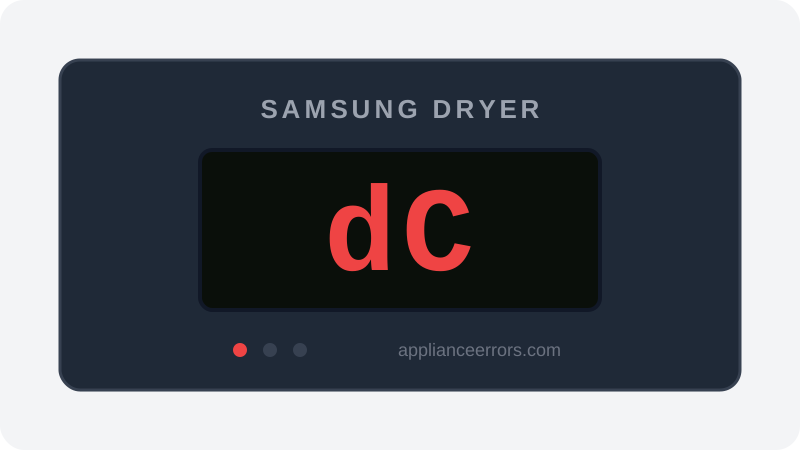
What Does Error Code dC Mean on a Samsung Dryer?
Door open — door detected open during operation.
The control board monitors the door switch circuit continuously while a cycle runs. If that circuit opens — meaning the switch no longer reads the door as latched — the board halts the drum and displays dC (or dE on some panels). It differs from motor or thermal codes because it is purely a mechanical/electrical door-detection fault: a worn catch, misaligned striker, failed switch, or broken harness lead, rather than any heating or airflow problem.
What Causes Error Code dC?
Here are the most common causes in order of frequency. Start with the most likely cause before moving to the next:
- 1 Door not fully latched or popped open mid-cycle 45% of cases
- 2 Worn door catch/strike 30% of cases
- 3 Failed door switch 20% of cases
- 4 Harness fault to door switch 5% of cases
How to Fix Samsung Dryer Error Code dC
- 1
Close firmly and restart
Push the door until it clicks solidly, then press Start. If it won't stay closed, the catch is worn.
- 2
Replace the door catch
The plastic catch/strike kit is a 5-minute fix with a flat screwdriver.
🔩 Samsung dryer door catch kit ($8–$15) - 3
Test the door switch
Unplug the dryer, remove the top/front panel edge, and check switch continuity: closed door = closed circuit.
🔩 Samsung door switch ($12–$30)⚠️ Unplug the dryer before testing the switch.
How to Reset Error Code dC
Close the door firmly and press Start/Pause. If the code persists with the door closed, power-cycle for 60 seconds.
Note: If the error returns after resetting, the underlying issue has not been resolved. Work through the fix steps above.
Did this guide fix your appliance?
✓ Thanks — your feedback helps us improve this guide for the next person.
Thanks for letting us know. If the steps above didn't work, see when to call a professional.
What went wrong? (one tap helps us fix this guide)
✓ Noted — we'll use this to improve the guide.
When to Call a Professional
Door switch and catch replacements are easy DIY. Call a pro only if a new switch still won't register — that points to the control board.
Related Error Codes
Find Replacement Parts
Use these links to find the exact replacement parts for your Samsung Dryer:
External links — ApplianceErrors.com is not affiliated with these retailers.
More Samsung Dryer Error Codes
Frequently Asked Questions
Can I keep using my Samsung Dryer when error dC appears? +
What most commonly causes dC on a Samsung Dryer? +
dC keeps coming back after a reset — what should I check next? +
How much does it cost to fix Samsung Dryer error dC? +
Which Samsung Dryer models show error dC? +
Sources & References
- • Samsung Support — Error Codes — official manufacturer documentation
- • Our editorial & verification policy
Content verified against manufacturer service documentation. Last verified: July 19, 2026.