Samsung Oven Error Code dC
Divider/partition check needed (Flex Duo / Dual Cook models)
The most common cause of the dC error on a Samsung oven is divider removed during Dual/Twin cook (~45% of cases); start with: reinstall the divider correctly.
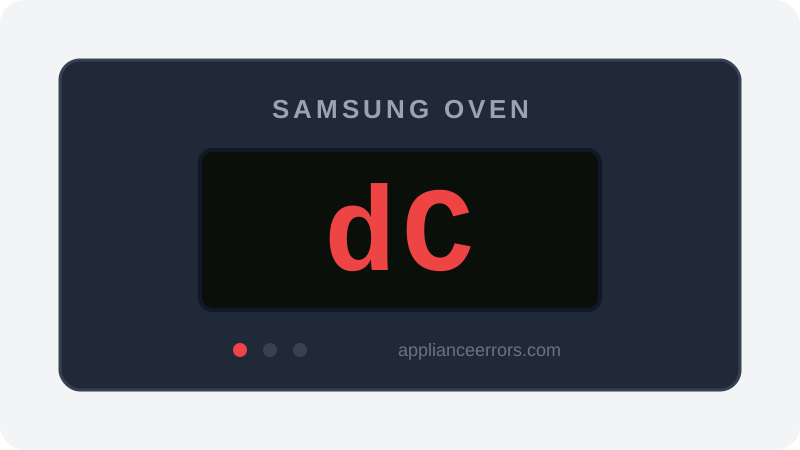
What Does Error Code dC Mean on a Samsung Oven?
Divider/partition check needed (Flex Duo / Dual Cook models).
The control board reads a partition/divider switch at the rear of the cavity to confirm whether the divider is installed. dC (or dE) fires when the selected mode's required divider state doesn't match what the switch senses — for example, a Dual Cook mode expects the divider seated but it is missing or not fully engaged. Unlike a true door fault, this is a configuration prompt: the oven halts to prevent running an upper/lower zone without the partition properly positioned.
What Causes Error Code dC?
Here are the most common causes in order of frequency. Start with the most likely cause before moving to the next:
- 1 Divider removed during Dual/Twin cook 45% of cases
- 2 Divider not seated in the correct rack position 35% of cases
- 3 Partition switch obstructed at the back of the cavity 15% of cases
- 4 Partition switch fault 5% of cases
How to Fix Samsung Oven Error Code dC
- 1
Reinstall the divider correctly
Seat the partition fully — each side in the correct rack position for your model (electric/dual fuel vs gas).
⚠️ Let the oven cool before reaching inside. - 2
Check the partition switch
If no divider is in use, make sure nothing presses on the partition switch at the back of the cavity.
- 3
Power cycle the oven
Turn off the power for 30 seconds or more and restart.
How to Reset Error Code dC
Reinstall the divider correctly (or clear the partition switch) and restart.
Note: If the error returns after resetting, the underlying issue has not been resolved. Work through the fix steps above.
Did this guide fix your appliance?
✓ Thanks — your feedback helps us improve this guide for the next person.
Thanks for letting us know. If the steps above didn't work, see when to call a professional.
What went wrong? (one tap helps us fix this guide)
✓ Noted — we'll use this to improve the guide.
When to Call a Professional
If dC persists with the divider correctly installed, the partition switch or its wiring needs service.
Related Error Codes
Find Replacement Parts
Use these links to find the exact replacement parts for your Samsung Oven:
External links — ApplianceErrors.com is not affiliated with these retailers.
More Samsung Oven Error Codes
Frequently Asked Questions
Can I keep using my Samsung Oven when error dC appears? +
What most commonly causes dC on a Samsung Oven? +
dC keeps coming back after a reset — what should I check next? +
How much does it cost to fix Samsung Oven error dC? +
Which Samsung Oven models show error dC? +
Sources & References
- • Samsung Support — Error Codes — official manufacturer documentation
- • Our editorial & verification policy
Content verified against manufacturer service documentation. Last verified: July 19, 2026.