Samsung Oven Error Code SE
Keypad/touchpad short — stuck button on control panel
The most common cause of the SE error on a Samsung oven is touch panel membrane failure (~60% of cases); start with: clean the control panel.
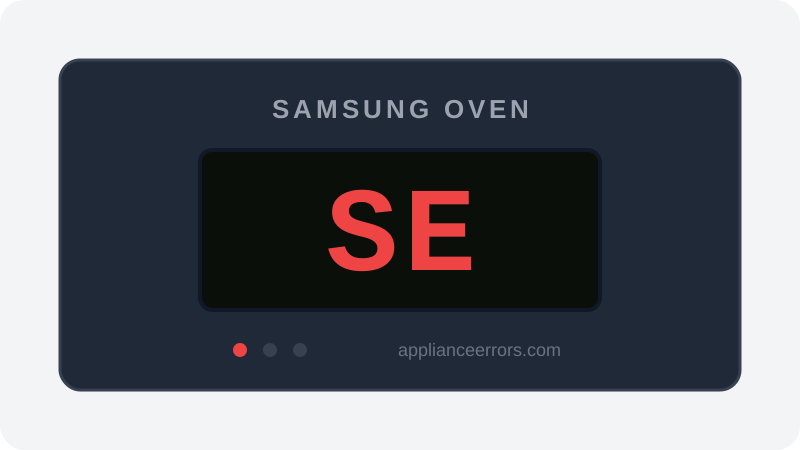
What Does Error Code SE Mean on a Samsung Oven?
Keypad/touchpad short — stuck button on control panel.
The SE (or 5E) code fires when the control board reads one of the touchpad buttons as held down continuously beyond a normal press. Because a stuck key blocks all other input, the board halts operation and displays the fault. The most common trigger is a degraded touch membrane, though grease or moisture bridging a contact can mimic it. This is distinct from communication or sensor codes — it points specifically at the panel's key-input circuit rather than heating or temperature hardware.
What Causes Error Code SE?
Here are the most common causes in order of frequency. Start with the most likely cause before moving to the next:
- 1 Touch panel membrane failure 60% of cases
- 2 Food/grease on touchpad causing false contact 25% of cases
- 3 Control board touch interface failure 15% of cases
How to Fix Samsung Oven Error Code SE
- 1
Clean the control panel
Wipe carefully around all touch buttons with a slightly damp cloth. Let dry completely before testing.
⚠️ Do not spray water directly — let dry before powering on. - 2
Power cycle the oven
Turn off circuit breaker for 5 minutes. This can clear transient SE codes.
- 3
Replace the touchpad/membrane panel
If SE returns after cleaning and power cycle, the membrane has failed.
🔩 Samsung oven touchpad ($60–$150)
How to Reset Error Code SE
Turn off circuit breaker 5 minutes. If SE returns, replace touchpad.
Note: If the error returns after resetting, the underlying issue has not been resolved. Work through the fix steps above.
Did this guide fix your appliance?
✓ Thanks — your feedback helps us improve this guide for the next person.
Thanks for letting us know. If the steps above didn't work, see when to call a professional.
What went wrong? (one tap helps us fix this guide)
✓ Noted — we'll use this to improve the guide.
When to Call a Professional
SE that returns after touchpad replacement indicates the control board has failed.
Same Code on Other Brands
Error code SE appears on these other brands too. See every brand that shows SE →

Find Replacement Parts
Use these links to find the exact replacement parts for your Samsung Oven:
External links — ApplianceErrors.com is not affiliated with these retailers.
More Samsung Oven Error Codes
Frequently Asked Questions
Can I keep using my Samsung Oven when error SE appears? +
What most commonly causes SE on a Samsung Oven? +
SE keeps coming back after a reset — what should I check next? +
How much does it cost to fix Samsung Oven error SE? +
Which Samsung Oven models show error SE? +
Sources & References
- • Samsung Support — Error Codes — official manufacturer documentation
- • Our editorial & verification policy
Content verified against manufacturer service documentation. Last verified: July 19, 2026.