Samsung Dishwasher Error Code C5
Drain-related sensor fault — drainage not confirmed by the water level sensor
The most common cause of the C5 error on a Samsung dishwasher is clogged drain filter or sump (~40% of cases); start with: clean filters and sump.
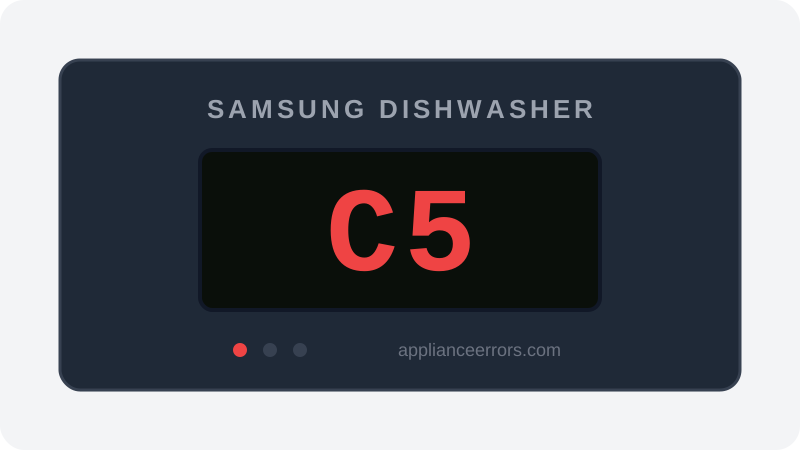
What Does Error Code C5 Mean on a Samsung Dishwasher?
Drain-related sensor fault — drainage not confirmed by the water level sensor.
C5 on Samsung dishwashers (notably Waterwall and some DW80 series) flags a drainage/level-sensing inconsistency: the level sensor still sees water after the drain phase. It overlaps heavily with 5C in cause — check drainage first, sensor second.
What Causes Error Code C5?
Here are the most common causes in order of frequency. Start with the most likely cause before moving to the next:
- 1 Clogged drain filter or sump 40% of cases
- 2 Drain hose kinked or air-gap/disposal port blocked 30% of cases
- 3 Drain pump weak or failed 20% of cases
- 4 Water level (case) sensor fault 10% of cases
How to Fix Samsung Dishwasher Error Code C5
- 1
Clean filters and sump
Remove and rinse the filter stack and clear the sump of food debris.
- 2
Check the drain path
Confirm the hose has a high loop, isn't kinked, and the garbage disposal knockout plug was removed if newly installed.
- 3
Test the drain pump
Listen for the pump at the end of cycle; a silent pump with standing water needs replacement.
🔩 Samsung dishwasher drain pump ($30–$70)⚠️ Disconnect power at the breaker before replacing the pump.
How to Reset Error Code C5
Power off at the breaker for 60 seconds after clearing the drain path, then rerun a cycle.
Note: If the error returns after resetting, the underlying issue has not been resolved. Work through the fix steps above.
Did this guide fix your appliance?
✓ Thanks — your feedback helps us improve this guide for the next person.
Thanks for letting us know. If the steps above didn't work, see when to call a professional.
What went wrong? (one tap helps us fix this guide)
✓ Noted — we'll use this to improve the guide.
When to Call a Professional
If water still stands after the filter, hose, and pump check out, the level sensor and board need professional diagnosis.
Related Error Codes
Same Code on Other Brands
Error code C5 appears on these other brands too. See every brand that shows C5 →

Find Replacement Parts
Use these links to find the exact replacement parts for your Samsung Dishwasher:
External links — ApplianceErrors.com is not affiliated with these retailers.
More Samsung Dishwasher Error Codes
Frequently Asked Questions
Can I keep using my Samsung Dishwasher when error C5 appears? +
What most commonly causes C5 on a Samsung Dishwasher? +
C5 keeps coming back after a reset — what should I check next? +
How much does it cost to fix Samsung Dishwasher error C5? +
Sources & References
- • Samsung Support — Error Codes — official manufacturer documentation
- • Our editorial & verification policy
Content verified against manufacturer service documentation. Last verified: June 11, 2026.