Samsung Dishwasher Error Code OC
Over-level water error — too much water in the tub
The most common cause of the OC error on a Samsung dishwasher is inlet valve not closing fully (debris or worn solenoid) (~45% of cases); start with: confirm it drains.
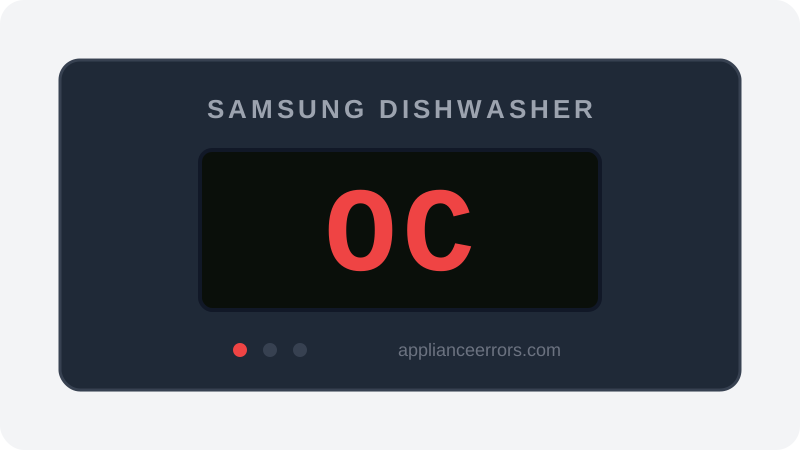
What Does Error Code OC Mean on a Samsung Dishwasher?
Over-level water error — too much water in the tub.
The control board compares the sump water level sensor reading against the target for the active program. When it sees more water than any phase should call for, it fires OC (also shown as oE) and runs the drain pump to bring the level down. It differs from leak codes like LC and fill-timeout code 4C: OC is specifically an over-level condition, usually a valve that won't seat, a fouled air-trap sensor, or leftover water from poor drainage reading as overfill.
What Causes Error Code OC?
Here are the most common causes in order of frequency. Start with the most likely cause before moving to the next:
- 1 Inlet valve not closing fully (debris or worn solenoid) 45% of cases
- 2 Water level / pressure sensor misreading 30% of cases
- 3 Drain restriction leaving water from the previous cycle 25% of cases
How to Fix Samsung Dishwasher Error Code OC
- 1
Confirm it drains
Cancel the cycle and let it pump out. If water remains, fix drainage first (filter, air gap, disposer connection) — leftover water plus a normal fill reads as overfill.
- 2
Watch the fill
Start a cycle and watch whether water keeps trickling in after the fill should have stopped — that's a sticking inlet valve. Replace it.
🔩 Samsung dishwasher inlet valve ($25–$60) - 3
Check the level sensor
Inspect the sensor/air trap at the sump for gunk; a fouled air chamber misreports the level to the board.
⚠️ Switch off the breaker before removing the kick plate.
How to Reset Error Code OC
Switch the breaker off for 60 seconds. The unit drains excess water automatically on the next power-up; run a short cycle to confirm normal fill.
Note: If the error returns after resetting, the underlying issue has not been resolved. Work through the fix steps above.
Did this guide fix your appliance?
✓ Thanks — your feedback helps us improve this guide for the next person.
Thanks for letting us know. If the steps above didn't work, see when to call a professional.
What went wrong? (one tap helps us fix this guide)
✓ Noted — we'll use this to improve the guide.
When to Call a Professional
If the valve and sensor both check out, water may be siphoning back in from the drain connection — a pro can verify the installation in one visit.
Related Error Codes
Find Replacement Parts
Use these links to find the exact replacement parts for your Samsung Dishwasher:
External links — ApplianceErrors.com is not affiliated with these retailers.
More Samsung Dishwasher Error Codes
Frequently Asked Questions
Can I keep using my Samsung Dishwasher when error OC appears? +
What most commonly causes OC on a Samsung Dishwasher? +
OC keeps coming back after a reset — what should I check next? +
How much does it cost to fix Samsung Dishwasher error OC? +
Which Samsung Dishwasher models show error OC? +
Sources & References
- • Samsung Support — Error Codes — official manufacturer documentation
- • Our editorial & verification policy
Content verified against manufacturer service documentation. Last verified: July 19, 2026.