LG Dryer Error Code D75
Exhaust duct ~75% blocked — airflow restriction warning
The most common cause of the D75 error on a LG dryer is lint clogged in exhaust duct (~55% of cases); start with: clean the lint filter.
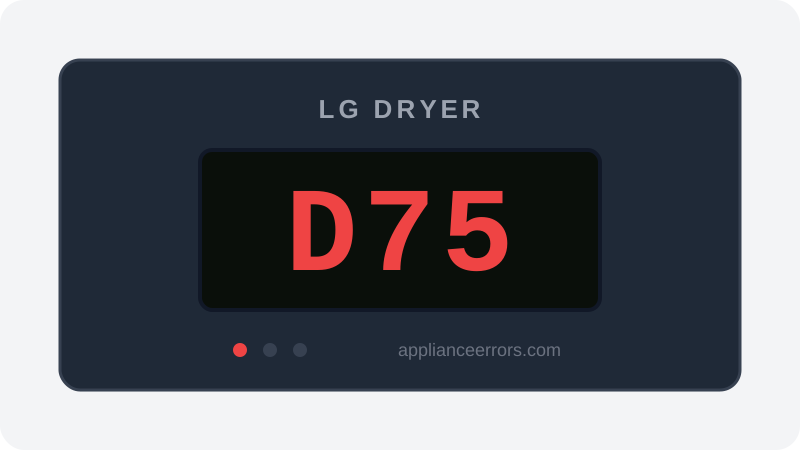
What Does Error Code D75 Mean on a LG Dryer?
Exhaust duct ~75% blocked — airflow restriction warning.
D75 comes from LG's FlowSense system, which uses an airflow/pressure sensor in the exhaust path to gauge how freely air moves out of the drum. When it detects resistance consistent with roughly 75% blockage, it posts this warning rather than a hard fault, so cycles still run but slower and hotter. It's the entry point of the warning tier — distinct from d80/d90/d95, which fire at progressively worse restriction, and from heater or thermistor faults that address temperature rather than airflow.
What Causes Error Code D75?
Here are the most common causes in order of frequency. Start with the most likely cause before moving to the next:
- 1 Lint clogged in exhaust duct 55% of cases
- 2 Lint filter not cleaned 20% of cases
- 3 Exterior vent flap stuck/blocked 15% of cases
- 4 Crushed or kinked flexible transition hose 10% of cases
How to Fix LG Dryer Error Code D75
- 1
Clean the lint filter
Remove and clean the lint screen before every load. A clogged screen alone can trigger D75.
- 2
Clear the full exhaust duct
Disconnect the duct and clean its entire length plus the exterior vent cap with a vent brush.
🔩 Dryer vent brush kit ($15–$35) - 3
Check the transition hose
Replace any crushed or kinked flexible hose behind the dryer with rigid or semi-rigid duct.
🔩 Semi-rigid transition duct ($15–$30)
How to Reset Error Code D75
Clean the lint filter and exhaust duct, then restart. D75 clears once airflow is restored.
Note: If the error returns after resetting, the underlying issue has not been resolved. Work through the fix steps above.
Did this guide fix your appliance?
✓ Thanks — your feedback helps us improve this guide for the next person.
Thanks for letting us know. If the steps above didn't work, see when to call a professional.
What went wrong? (one tap helps us fix this guide)
✓ Noted — we'll use this to improve the guide.
When to Call a Professional
If the duct and vent are verified clear but D75 returns, the flow sensor or blower wheel may need inspection.
Related Error Codes
Find Replacement Parts
Use these links to find the exact replacement parts for your LG Dryer:
External links — ApplianceErrors.com is not affiliated with these retailers.
More LG Dryer Error Codes
Frequently Asked Questions
Can I keep using my LG Dryer when error D75 appears? +
What most commonly causes D75 on a LG Dryer? +
D75 keeps coming back after a reset — what should I check next? +
How much does it cost to fix LG Dryer error D75? +
Which LG Dryer models show error D75? +
Sources & References
- • LG Support — Help Library — official manufacturer documentation
- • Our editorial & verification policy
Content verified against manufacturer service documentation. Last verified: July 19, 2026.