LG Dryer Error Code CL
Child lock is active — controls are locked
The most common cause of the CL error on a LG dryer is child Lock enabled accidentally (~85% of cases); start with: disable child lock.
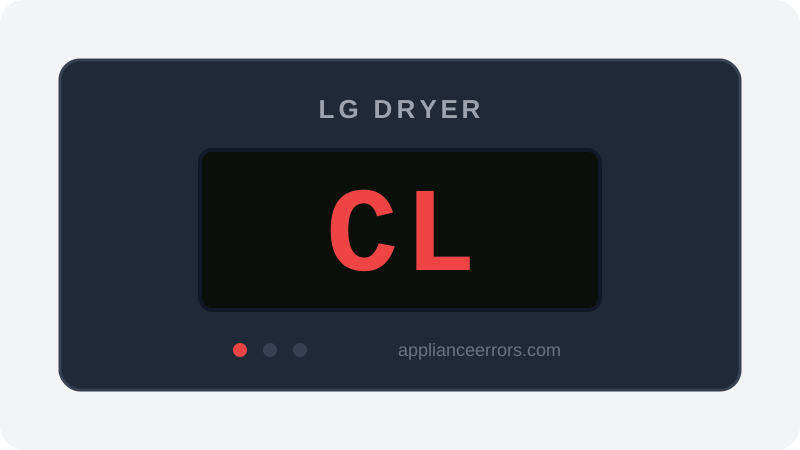
What Does Error Code CL Mean on a LG Dryer?
Child lock is active — controls are locked.
CL is a status indicator rather than a fault: it signals that the Child Lock mode is engaged, so the control board ignores all touch or button inputs except Power. It fires whenever the lock is toggled on, either deliberately or by accidentally holding the assigned button. Unlike genuine error codes, no sensor fault or component failure is involved, which is why it clears simply by disabling the lock rather than through diagnostics or repair.
What Causes Error Code CL?
Here are the most common causes in order of frequency. Start with the most likely cause before moving to the next:
- 1 Child Lock enabled accidentally 85% of cases
- 2 Control panel button stuck 15% of cases
How to Fix LG Dryer Error Code CL
- 1
Disable child lock
Press and hold the Child Lock button for 3–5 seconds until the CL indicator turns off. On some models, press and hold 'Temp' for 3 seconds.
- 2
Power cycle if a button is stuck
If CL won't clear, unplug the dryer for 60 seconds, plug back in, and hold the Child Lock button again. A sticky button may need cleaning around its edges.
How to Reset Error Code CL
Hold the Child Lock button for 3 seconds to unlock.
Note: If the error returns after resetting, the underlying issue has not been resolved. Work through the fix steps above.
Did this guide fix your appliance?
✓ Thanks — your feedback helps us improve this guide for the next person.
Thanks for letting us know. If the steps above didn't work, see when to call a professional.
What went wrong? (one tap helps us fix this guide)
✓ Noted — we'll use this to improve the guide.
When to Call a Professional
Child lock does not require service.
Find Replacement Parts
Use these links to find the exact replacement parts for your LG Dryer:
External links — ApplianceErrors.com is not affiliated with these retailers.
More LG Dryer Error Codes
Frequently Asked Questions
Can I keep using my LG Dryer when error CL appears? +
What most commonly causes CL on a LG Dryer? +
CL keeps coming back after a reset — what should I check next? +
How much does it cost to fix LG Dryer error CL? +
Which LG Dryer models show error CL? +
Sources & References
- • LG Support — Help Library — official manufacturer documentation
- • Our editorial & verification policy
Content verified against manufacturer service documentation. Last verified: July 19, 2026.