GE Appliances Oven Error Code F4
Oven temperature sensor short circuit
The most common cause of the F4 error on a GE Appliances oven is sensor shorted internally (~65% of cases); start with: power cycle the oven.
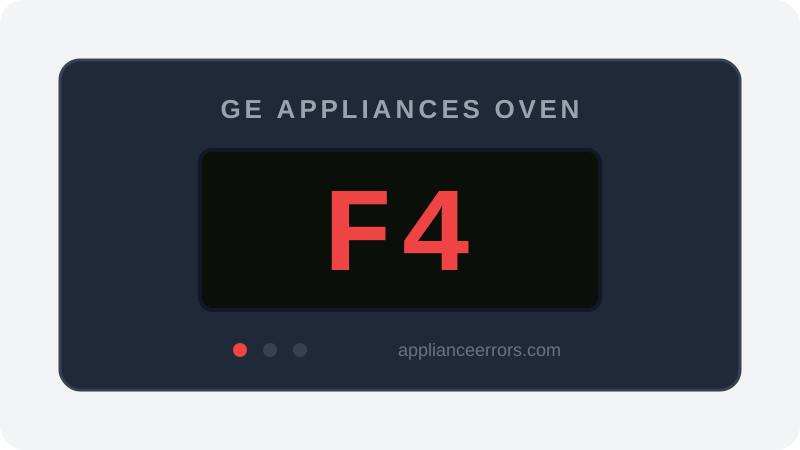
What Does Error Code F4 Mean on a GE Appliances Oven?
Oven temperature sensor short circuit.
The Electronic Range Control reads near-zero resistance from the oven temperature sensor (RTD), interpreting it as a short circuit. With no trustworthy temperature, the oven won't heat. A shorted sensor or a pinched harness grounding the circuit is the usual cause.
What Causes Error Code F4?
Here are the most common causes in order of frequency. Start with the most likely cause before moving to the next:
- 1 Sensor shorted internally 65% of cases
- 2 Wiring pinched causing short 25% of cases
- 3 ERC board sensor input shorted 10% of cases
How to Fix GE Appliances Oven Error Code F4
- 1
Power cycle the oven
Turn off the circuit breaker for 5 minutes, then restore power to see if the short was a transient fault.
- 2
Test the sensor
With power off, measure the RTD — about 1,080 ohms at room temperature; a near-zero reading confirms a shorted sensor.
🔩 Multimeter⚠️ Disconnect power before testing. - 3
Inspect the sensor wiring
Look for the sensor lead pinched or chafed against the cavity or rear panel, shorting it to ground.
- 4
Replace the sensor
Shorted sensors can't be repaired; fit a matching GE oven temperature sensor and verify resistance.
🔩 GE oven temperature sensor ($20–$55)
How to Reset Error Code F4
After replacing the sensor, restore power at the breaker and run a short bake cycle to confirm F4 has cleared. If it returns immediately, the short is in the harness, not the sensor.
Note: If the error returns after resetting, the underlying issue has not been resolved. Work through the fix steps above.
Did this guide fix your appliance?
✓ Thanks — your feedback helps us improve this guide for the next person.
Thanks for letting us know. If the steps above didn't work, see when to call a professional.
What went wrong? (one tap helps us fix this guide)
✓ Noted — we'll use this to improve the guide.
When to Call a Professional
If a new sensor reads correctly and the harness is sound but F4 persists, the ERC board's sensor input circuit is shorted and the board needs professional replacement.
Related Error Codes
Same Code on Other Brands
Error code F4 appears on these other brands too. See every brand that shows F4 →



Find Replacement Parts
Use these links to find the exact replacement parts for your GE Appliances Oven:
External links — ApplianceErrors.com is not affiliated with these retailers.
More GE Appliances Oven Error Codes
Frequently Asked Questions
Can I keep using my GE Appliances Oven when error F4 appears? +
What most commonly causes F4 on a GE Appliances Oven? +
F4 keeps coming back after a reset — what should I check next? +
How much does it cost to fix GE Appliances Oven error F4? +
Sources & References
- • GE Appliances Support — official manufacturer documentation
- • Our editorial & verification policy
Content verified against manufacturer service documentation. Last verified: June 10, 2026.