Samsung Washing Machine Error Code 5C
Drain error — water not draining within the time limit
The most common cause of the 5C error on a Samsung washing machine is clogged drain pump (debris) filter (~45% of cases); start with: clean the debris filter.
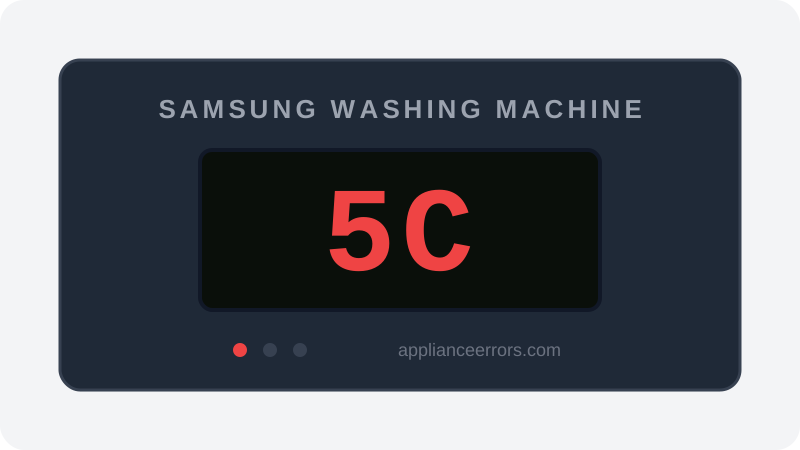
What Does Error Code 5C Mean on a Samsung Washing Machine?
Drain error — water not draining within the time limit.
5C fires when the control board commands the drain pump but the pressure sensor still reads water in the drum after roughly 15 minutes, so the cycle halts with the tub full. Unlike LC (a leak/overflow detection) or OE (overflow on some Samsung models), 5C specifically flags a failure to remove water within the time window. A blocked debris filter or restricted drain path is by far the most frequent trigger, ahead of an actual pump failure.
What Causes Error Code 5C?
Here are the most common causes in order of frequency. Start with the most likely cause before moving to the next:
- 1 Clogged drain pump (debris) filter 45% of cases
- 2 Kinked, frozen, or improperly installed drain hose 25% of cases
- 3 Drain hose inserted too far into standpipe (siphon/backflow) 15% of cases
- 4 Drain pump failure 15% of cases
How to Fix Samsung Washing Machine Error Code 5C
- 1
Clean the debris filter
Open the small access door at the bottom front, place towels and a shallow pan, slowly unscrew the filter, and clear coins, lint, and hair. This alone fixes most 5C errors.
⚠️ Drain water can be hot right after a cycle. - 2
Check the drain hose
Straighten any kinks behind the washer and confirm the hose enters the standpipe no more than 6 inches with an air gap.
- 3
Listen to the drain pump
Start a Spin-only cycle and listen at the lower front. A humming pump with no water movement has a jammed impeller; silence points to a dead pump or board relay.
- 4
Replace the drain pump
Remove the lower front panel, disconnect the hoses and harness, and swap the pump assembly.
🔩 Samsung drain pump ($35–$80)⚠️ Unplug the washer before opening any panel.
How to Reset Error Code 5C
After clearing the filter and hose, unplug the washer for 60 seconds, then run a Rinse+Spin cycle to confirm draining.
Note: If the error returns after resetting, the underlying issue has not been resolved. Work through the fix steps above.
Did this guide fix your appliance?
✓ Thanks — your feedback helps us improve this guide for the next person.
Thanks for letting us know. If the steps above didn't work, see when to call a professional.
What went wrong? (one tap helps us fix this guide)
✓ Noted — we'll use this to improve the guide.
When to Call a Professional
If the filter and hose are clear and the pump runs but 5C persists, the pressure sensor or its air hose may be misreading the water level — that diagnosis is worth a technician if you're not comfortable with a multimeter.
Related Error Codes
Find Replacement Parts
Use these links to find the exact replacement parts for your Samsung Washing Machine:
External links — ApplianceErrors.com is not affiliated with these retailers.
More Samsung Washing Machine Error Codes
Frequently Asked Questions
Can I keep using my Samsung Washing Machine when error 5C appears? +
What most commonly causes 5C on a Samsung Washing Machine? +
5C keeps coming back after a reset — what should I check next? +
How much does it cost to fix Samsung Washing Machine error 5C? +
Which Samsung Washing Machine models show error 5C? +
Sources & References
- • Samsung Support — Error Codes — official manufacturer documentation
- • Our editorial & verification policy
Content verified against manufacturer service documentation. Last verified: July 19, 2026.