Samsung Refrigerator Error Code OF OF
Demo / Cooling Off (shop) mode — not a fault code
The most common cause of the OF OF error on a Samsung refrigerator is demo/Cooling Off mode accidentally activated (~70% of cases); start with: exit demo mode.
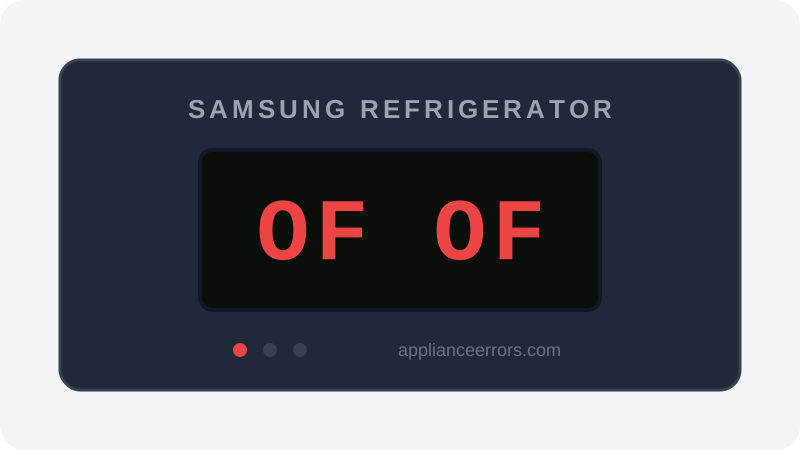
What Does Error Code OF OF Mean on a Samsung Refrigerator?
Demo / Cooling Off (shop) mode — not a fault code.
Your refrigerator is in Demo mode (also called Cooling Off or Shop mode). This is a showroom setting: the lights and display work normally but the compressor and cooling are intentionally disabled so the unit can be displayed without running. It is NOT a malfunction. It is usually triggered accidentally by holding the energy-saver/freezer buttons, or set at the store before delivery.
What Causes Error Code OF OF?
Here are the most common causes in order of frequency. Start with the most likely cause before moving to the next:
- 1 Demo/Cooling Off mode accidentally activated 70% of cases
- 2 Unit was left in shop mode from the retailer 25% of cases
- 3 Power event during a button press 5% of cases
How to Fix Samsung Refrigerator Error Code OF OF
- 1
Exit Demo mode
Press and hold the two designated buttons together (commonly Energy Saver + Power Freeze, or Freezer + Fridge) until you hear a chime. Cooling resumes.
- 2
Try the extended combination
If the first combination doesn't work, hold the three buttons your model specifies (often Button 1 + Button 2 + Button 4) until a chime sounds.
- 3
Check your model's manual
Button labels vary by model; confirm the exact Demo-mode exit sequence for your unit.
How to Reset Error Code OF OF
Hold the designated button combination until a chime sounds to leave Demo/Cooling Off mode; the refrigerator will begin cooling again.
Note: If the error returns after resetting, the underlying issue has not been resolved. Work through the fix steps above.
Did this guide fix your appliance?
✓ Thanks — your feedback helps us improve this guide for the next person.
Thanks for letting us know. If the steps above didn't work, see when to call a professional.
What went wrong? (one tap helps us fix this guide)
✓ Noted — we'll use this to improve the guide.
When to Call a Professional
OF OF is not a fault — no service is needed. Contact Samsung only if the unit will not exit demo mode using any documented button combination.
Related Error Codes
Find Replacement Parts
Use these links to find the exact replacement parts for your Samsung Refrigerator:
External links — ApplianceErrors.com is not affiliated with these retailers.
More Samsung Refrigerator Error Codes
Frequently Asked Questions
Can I keep using my Samsung Refrigerator when error OF OF appears? +
What most commonly causes OF OF on a Samsung Refrigerator? +
OF OF keeps coming back after a reset — what should I check next? +
How much does it cost to fix Samsung Refrigerator error OF OF? +
Which Samsung Refrigerator models show error OF OF? +
Sources & References
- • Samsung Support — Error Codes — official manufacturer documentation
- • Our editorial & verification policy
Content verified against manufacturer service documentation. Last verified: July 19, 2026.