Samsung Refrigerator Error Code 22E
Refrigerator fan error — fresh-food compartment fan not running
The most common cause of the 22E error on a Samsung refrigerator is ice or frost buildup jamming the fan blade (defrost-system weakness) (~45% of cases); start with: defrost the fridge-section evaporator.
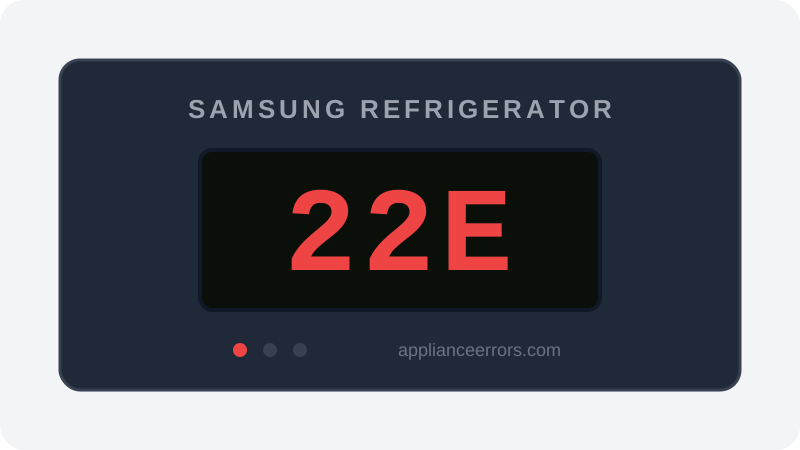
What Does Error Code 22E Mean on a Samsung Refrigerator?
Refrigerator fan error — fresh-food compartment fan not running.
22E (also shown as 22C) fires when the control board expects the fresh-food compartment fan to be running but detects no rotational feedback from its sensing circuit. Because that fan circulates cold air into the fridge section, the symptom is a warming fridge while the freezer stays cold. It differs from 21E, which points to the freezer evaporator fan. Frost from a weak defrost cycle jamming the blade is the usual trigger, versus an outright motor or wiring failure.
What Causes Error Code 22E?
Here are the most common causes in order of frequency. Start with the most likely cause before moving to the next:
- 1 Ice or frost buildup jamming the fan blade (defrost-system weakness) 45% of cases
- 2 Fan motor failure (bearing failure or burned windings) 35% of cases
- 3 Fan blade physically broken or obstructed 12% of cases
- 4 Wiring harness to fan motor damaged or loose 8% of cases
How to Fix Samsung Refrigerator Error Code 22E
- 1
Defrost the fridge-section evaporator
Unplug the refrigerator and let it fully thaw (12–24 hours, doors open, towels down) — or run forced defrost from the panel. Ice jamming the fan blade is the most common cause and a thaw clears it without parts.
- 2
Inspect the fan blade
Remove the back interior panel of the fridge compartment to expose the fan. Spin the blade by hand — it should rotate freely. Clear any ice or debris.
- 3
Check the wiring connector
Reseat the fan connector at the motor and check the harness where it passes through the cabinet for chafing.
- 4
Replace the fan motor
If the blade is free but the motor doesn't spin when powered, replace the fan motor assembly.
🔩 Samsung refrigerator fan motor ($25–$70)⚠️ Unplug the refrigerator before removing interior panels.
How to Reset Error Code 22E
After repair, press and hold both the 'Energy Saver' and 'Power Freeze' buttons simultaneously for 5 seconds to clear diagnostic error codes (button pair varies by model).
Note: If the error returns after resetting, the underlying issue has not been resolved. Work through the fix steps above.
Did this guide fix your appliance?
✓ Thanks — your feedback helps us improve this guide for the next person.
Thanks for letting us know. If the steps above didn't work, see when to call a professional.
What went wrong? (one tap helps us fix this guide)
✓ Noted — we'll use this to improve the guide.
When to Call a Professional
If the fan ices over again within weeks, the defrost system (heater, sensor, or control) is the real fault — replacing the fan alone won't fix it. That diagnosis is worth a technician visit.
Related Error Codes
Find Replacement Parts
Use these links to find the exact replacement parts for your Samsung Refrigerator:
External links — ApplianceErrors.com is not affiliated with these retailers.
More Samsung Refrigerator Error Codes
Frequently Asked Questions
Can I keep using my Samsung Refrigerator when error 22E appears? +
What most commonly causes 22E on a Samsung Refrigerator? +
22E keeps coming back after a reset — what should I check next? +
How much does it cost to fix Samsung Refrigerator error 22E? +
Which Samsung Refrigerator models show error 22E? +
Sources & References
- • Samsung Support — Error Codes — official manufacturer documentation
- • Our editorial & verification policy
Content verified against manufacturer service documentation. Last verified: July 19, 2026.