GE Appliances Dryer Error Code LS
Lint screen reminder
The most common cause of the LS error on a GE Appliances dryer is lint screen cleaning reminder interval reached (~75% of cases); start with: clean lint screen.
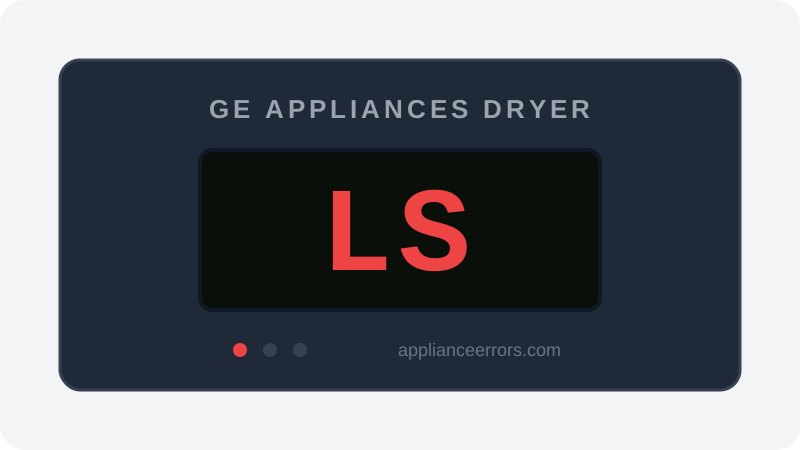
What Does Error Code LS Mean on a GE Appliances Dryer?
Lint screen reminder.
LS is a scheduled maintenance prompt, not a fault code. The control tracks cycle count or run time since the last acknowledged cleaning and displays LS to remind you to service the lint screen. Because it is time- or cycle-based rather than sensor-triggered, it can appear even on a clean screen. It differs from airflow or long-dry codes, which stem from measured restriction or temperature feedback rather than a simple usage counter.
What Causes Error Code LS?
Here are the most common causes in order of frequency. Start with the most likely cause before moving to the next:
- 1 Lint screen cleaning reminder interval reached 75% of cases
- 2 Lint screen or housing genuinely clogged 25% of cases
How to Fix GE Appliances Dryer Error Code LS
- 1
Clean lint screen
Remove the screen, clear all lint, and wash with warm soapy water to remove fabric-softener film. Dry fully before reinstalling.
- 2
Vacuum the screen housing
Use a vacuum crevice tool in the lint screen slot to pull out lint that has fallen past the screen into the housing.
How to Reset Error Code LS
Clean lint screen. LS clears after screen is cleaned.
Note: If the error returns after resetting, the underlying issue has not been resolved. Work through the fix steps above.
Did this guide fix your appliance?
✓ Thanks — your feedback helps us improve this guide for the next person.
Thanks for letting us know. If the steps above didn't work, see when to call a professional.
What went wrong? (one tap helps us fix this guide)
✓ Noted — we'll use this to improve the guide.
When to Call a Professional
Not a fault. No service required.
Find Replacement Parts
Use these links to find the exact replacement parts for your GE Appliances Dryer:
External links — ApplianceErrors.com is not affiliated with these retailers.
More GE Appliances Dryer Error Codes
Frequently Asked Questions
Can I keep using my GE Appliances Dryer when error LS appears? +
What most commonly causes LS on a GE Appliances Dryer? +
LS keeps coming back after a reset — what should I check next? +
How much does it cost to fix GE Appliances Dryer error LS? +
Which GE Appliances Dryer models show error LS? +
Sources & References
- • GE Appliances Support — official manufacturer documentation
- • Our editorial & verification policy
Content verified against manufacturer service documentation. Last verified: July 19, 2026.