Fisher & Paykel Dishwasher Error Code U4
Not draining — drain fault
The most common cause of the U4 error on a Fisher & Paykel dishwasher is filter/sump clogged (~50% of cases); start with: clean the drawer filter.
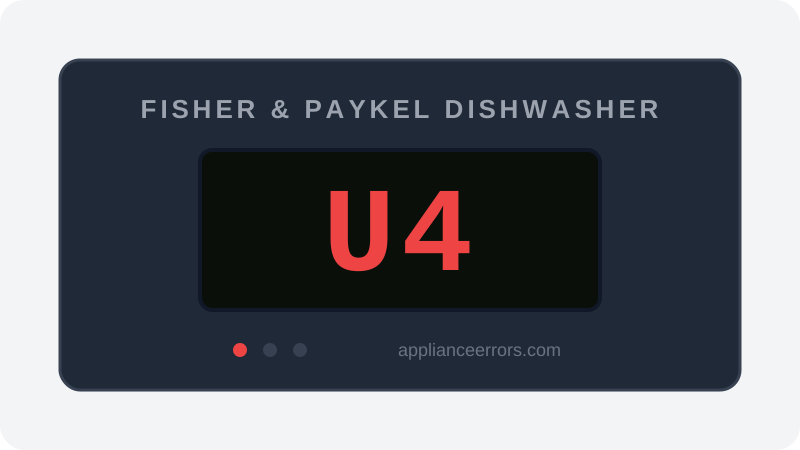
What Does Error Code U4 Mean on a Fisher & Paykel Dishwasher?
Not draining — drain fault.
The DishDrawer cannot pump water out of the drawer within the allowed drain time, so dirty water remains in the tub. A clogged drawer filter/sump, kinked or poorly routed drain hose, or failed drain pump is the usual cause.
What Causes Error Code U4?
Here are the most common causes in order of frequency. Start with the most likely cause before moving to the next:
- 1 Filter/sump clogged 50% of cases
- 2 Drain hose kinked or improperly routed 25% of cases
- 3 Drain pump failure 25% of cases
How to Fix Fisher & Paykel Dishwasher Error Code U4
- 1
Clean the drawer filter
Remove the filter plate and clean the sump area in the bottom of the drawer, clearing seeds, glass, or labels.
- 2
Check the drain hose
Confirm the hose has the required high loop, is not kinked behind the drawer, and the sink connection is open.
- 3
Clear the drain connection
If tied to a disposal or air gap, remove sludge or a knockout plug blocking dishwasher discharge.
- 4
Test the drain pump
If the sump and hose are clear, test or replace the DishDrawer drain pump that is not moving water.
🔩 F&P dishwasher drain pump ($70–$140)
How to Reset Error Code U4
After cleaning the filter and drain path, restart a rinse cycle and confirm the drawer empties before the cycle ends. U4 clears when the control sees normal drain flow.
Note: If the error returns after resetting, the underlying issue has not been resolved. Work through the fix steps above.
Did this guide fix your appliance?
✓ Thanks — your feedback helps us improve this guide for the next person.
Thanks for letting us know. If the steps above didn't work, see when to call a professional.
What went wrong? (one tap helps us fix this guide)
✓ Noted — we'll use this to improve the guide.
When to Call a Professional
If the filter and hose are clear but U4 persists, the drain pump or drawer wiring has failed; Fisher & Paykel DishDrawer repair uses model-specific parts.
Related Error Codes
Find Replacement Parts
Use these links to find the exact replacement parts for your Fisher & Paykel Dishwasher:
External links — ApplianceErrors.com is not affiliated with these retailers.
More Fisher & Paykel Dishwasher Error Codes
Frequently Asked Questions
Can I keep using my Fisher & Paykel Dishwasher when error U4 appears? +
What most commonly causes U4 on a Fisher & Paykel Dishwasher? +
U4 keeps coming back after a reset — what should I check next? +
How much does it cost to fix Fisher & Paykel Dishwasher error U4? +
Sources & References
- • Fisher & Paykel Support — official manufacturer documentation
- • Our editorial & verification policy
Content verified against manufacturer service documentation. Last verified: June 10, 2026.