Amana Microwave Error Code F2
Touchpad/membrane shorted
The most common cause of the F2 error on a Amana microwave is moisture behind the touch panel (~40% of cases); start with: unplug and dry.
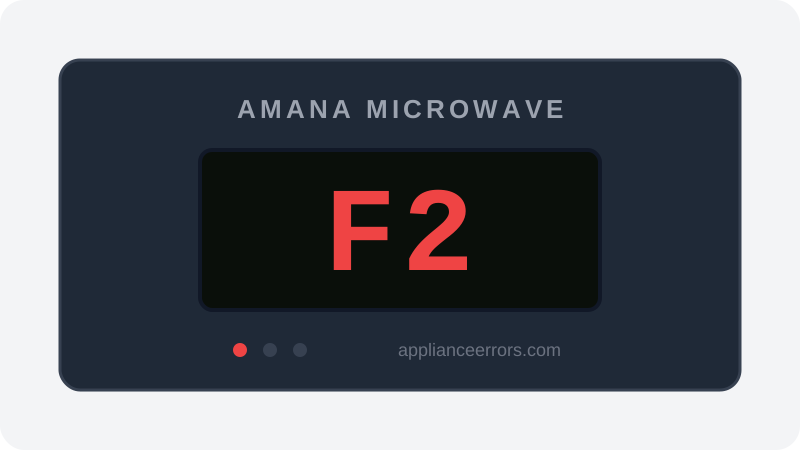
What Does Error Code F2 Mean on a Amana Microwave?
Touchpad/membrane shorted.
The F2 code fires when the control board reads a continuous short across the touchpad key matrix — the flat membrane grid behind the buttons. Instead of a momentary contact when a key is pressed, the board sees two matrix lines bridged constantly, so it flags a stuck or shorted key and may beep or lock out the panel. This distinguishes it from F6-type faults, which point more toward broader control-board or communication issues rather than the touchpad itself.
What Causes Error Code F2?
Here are the most common causes in order of frequency. Start with the most likely cause before moving to the next:
- 1 Moisture behind the touch panel 40% of cases
- 2 Failed membrane touchpad 40% of cases
- 3 Loose ribbon cable at the control board 20% of cases
How to Fix Amana Microwave Error Code F2
- 1
Unplug and dry
Unplug the microwave for a few hours so trapped moisture can evaporate.
- 2
Reseat the ribbon
With the unit unplugged, open the control housing and reseat the touchpad ribbon.
⚠️ Microwave capacitors hold a lethal charge even unplugged — do not probe near the high-voltage section. - 3
Replace the touchpad
If keys stay dead, replace the membrane/control panel assembly.
🔩 Amana microwave touchpad/panel ($60–$150)
How to Reset Error Code F2
Unplug for 5 minutes (longer if moisture is suspected), then retest.
Note: If the error returns after resetting, the underlying issue has not been resolved. Work through the fix steps above.
Did this guide fix your appliance?
✓ Thanks — your feedback helps us improve this guide for the next person.
Thanks for letting us know. If the steps above didn't work, see when to call a professional.
What went wrong? (one tap helps us fix this guide)
✓ Noted — we'll use this to improve the guide.
When to Call a Professional
Microwaves contain a high-voltage capacitor that can kill even unplugged — most owners should hand F2 to a tech.
Related Error Codes
Same Code on Other Brands
Error code F2 appears on these other brands too. See every brand that shows F2 →



Find Replacement Parts
Use these links to find the exact replacement parts for your Amana Microwave:
External links — ApplianceErrors.com is not affiliated with these retailers.
Frequently Asked Questions
Can I keep using my Amana Microwave when error F2 appears? +
What most commonly causes F2 on a Amana Microwave? +
F2 keeps coming back after a reset — what should I check next? +
How much does it cost to fix Amana Microwave error F2? +
Which Amana Microwave models show error F2? +
Sources & References
- • Amana Product Help — official manufacturer documentation
- • Our editorial & verification policy
Content verified against manufacturer service documentation. Last verified: July 19, 2026.