Samsung Microwave Error Code F-1
Keypad membrane failure — dead or stuck key
The most common cause of the F-1 error on a Samsung microwave is keypad membrane worn or failed (~70% of cases); start with: power cycle the microwave.
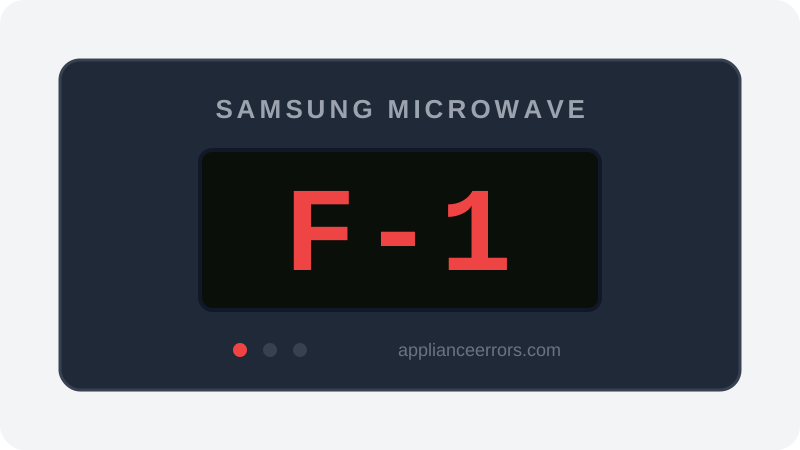
What Does Error Code F-1 Mean on a Samsung Microwave?
Keypad membrane failure — dead or stuck key.
The control board scans the keypad membrane as a matrix of row and column contacts. F-1 fires when the board reads a key line as permanently closed (stuck) or fails to detect an expected contact, suggesting a shorted or open membrane trace. Unlike SE/5E stuck-key codes on some units, F-1 on Samsung typically points to the membrane or its ribbon rather than the display; a control-board input failure is the least common cause and is diagnosed only after a membrane swap fails.
What Causes Error Code F-1?
Here are the most common causes in order of frequency. Start with the most likely cause before moving to the next:
- 1 Keypad membrane worn or failed 70% of cases
- 2 Moisture/grease behind membrane 20% of cases
- 3 Loose keypad ribbon connector 5% of cases
- 4 Control board input failure 5% of cases
How to Fix Samsung Microwave Error Code F-1
- 1
Power cycle the microwave
Unplug for 2 minutes to reset the control, then plug back in and test whether every key responds normally.
- 2
Clean and dry the keypad
Wipe the panel with a barely-damp cloth and dry it fully; moisture around the membrane can hold a key on.
- 3
Replace the keypad membrane
If F-1 returns after cleaning and reset, replace the membrane or keypad assembly for that exact model.
🔩 Samsung microwave keypad ($40–$90)
How to Reset Error Code F-1
Unplug the microwave for 2 minutes, dry the keypad area, then restore power and test all buttons; if F-1 comes back, the membrane has failed and needs replacement rather than repeated resets.
Note: If the error returns after resetting, the underlying issue has not been resolved. Work through the fix steps above.
Did this guide fix your appliance?
✓ Thanks — your feedback helps us improve this guide for the next person.
Thanks for letting us know. If the steps above didn't work, see when to call a professional.
What went wrong? (one tap helps us fix this guide)
✓ Noted — we'll use this to improve the guide.
When to Call a Professional
Call a technician if a new keypad membrane doesn't clear F-1, because the control board's key-input circuit has failed and opening the microwave case exposes components that can retain dangerous high voltage.
Related Error Codes
Same Code on Other Brands
Error code F-1 appears on these other brands too. See every brand that shows F-1 →



Find Replacement Parts
Use these links to find the exact replacement parts for your Samsung Microwave:
External links — ApplianceErrors.com is not affiliated with these retailers.
More Samsung Microwave Error Codes
Frequently Asked Questions
Can I keep using my Samsung Microwave when error F-1 appears? +
What most commonly causes F-1 on a Samsung Microwave? +
F-1 keeps coming back after a reset — what should I check next? +
How much does it cost to fix Samsung Microwave error F-1? +
Which Samsung Microwave models show error F-1? +
Sources & References
- • Samsung Support — Error Codes — official manufacturer documentation
- • Our editorial & verification policy
Content verified against manufacturer service documentation. Last verified: July 19, 2026.