GE Appliances Microwave Error Code F4
Open humidity sensor — sensor cooking disabled
The most common cause of the F4 error on a GE Appliances microwave is failed (open) humidity sensor (~60% of cases); start with: use manual modes meanwhile.
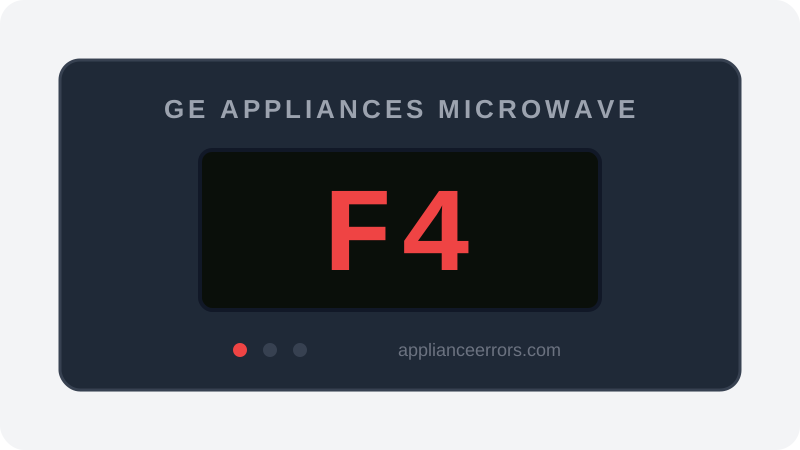
What Does Error Code F4 Mean on a GE Appliances Microwave?
Open humidity sensor — sensor cooking disabled.
F4 fires when the control board reads the humidity sensor circuit as open — an infinite or out-of-range resistance rather than the varying value it expects as steam builds. Because sensor-cook programs depend on tracking rising humidity to judge doneness, the board disables or aborts those modes and posts F4. Manual time-based cooking is unaffected. This distinguishes F4 from shorted-sensor or thermistor codes and from keypad or control-board faults that lock out all functions.
What Causes Error Code F4?
Here are the most common causes in order of frequency. Start with the most likely cause before moving to the next:
- 1 Failed (open) humidity sensor 60% of cases
- 2 Connector or harness fault 25% of cases
- 3 Control board input fault 15% of cases
How to Fix GE Appliances Microwave Error Code F4
- 1
Use manual modes meanwhile
Time-based cooking is unaffected — the fault only blocks sensor-driven modes.
- 2
Power-reset
Breaker off for 60 seconds and retry a sensor-cook mode.
- 3
Book sensor replacement
The humidity sensor mounts in the vent path inside the case.
⚠️ Internal access is technician-only — HV capacitor hazard.
How to Reset Error Code F4
Press Cancel/Off to clear the code. The microwave remains fully usable in manual modes while you decide on the repair.
Note: If the error returns after resetting, the underlying issue has not been resolved. Work through the fix steps above.
Did this guide fix your appliance?
✓ Thanks — your feedback helps us improve this guide for the next person.
Thanks for letting us know. If the steps above didn't work, see when to call a professional.
What went wrong? (one tap helps us fix this guide)
✓ Noted — we'll use this to improve the guide.
When to Call a Professional
Because manual cooking still works, this is the rare microwave fault you can reasonably live with — repair it opportunistically or when convenience matters.
Related Error Codes
Same Code on Other Brands
Error code F4 appears on these other brands too. See every brand that shows F4 →



Find Replacement Parts
Use these links to find the exact replacement parts for your GE Appliances Microwave:
External links — ApplianceErrors.com is not affiliated with these retailers.
More GE Appliances Microwave Error Codes
Frequently Asked Questions
Can I keep using my GE Appliances Microwave when error F4 appears? +
What most commonly causes F4 on a GE Appliances Microwave? +
F4 keeps coming back after a reset — what should I check next? +
How much does it cost to fix GE Appliances Microwave error F4? +
Which GE Appliances Microwave models show error F4? +
Sources & References
- • GE Appliances Support — official manufacturer documentation
- • Our editorial & verification policy
Content verified against manufacturer service documentation. Last verified: July 19, 2026.